Troubleshooting
Cluster Status:
You can check the cluster status via zabbix
Issues starting interactive apps
Please include the following in every support request:
- username
- slurm job number
- session ID
- interactive app you tried to launch
- contents of script.sh
- contents of output.log (if it exists, if it does not please include that detail in your ticket)
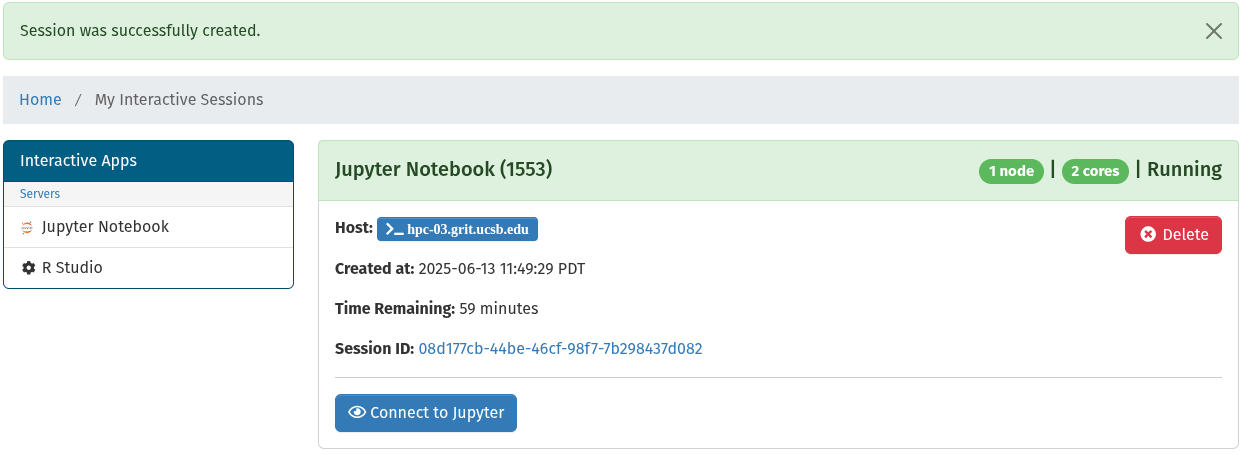
If you encounter an issue submitting an interactive job select the Session ID. This will take you to the session log files. Also please include the slurm job number (the one in the parenthesis) and the session ID as shown in the image below.
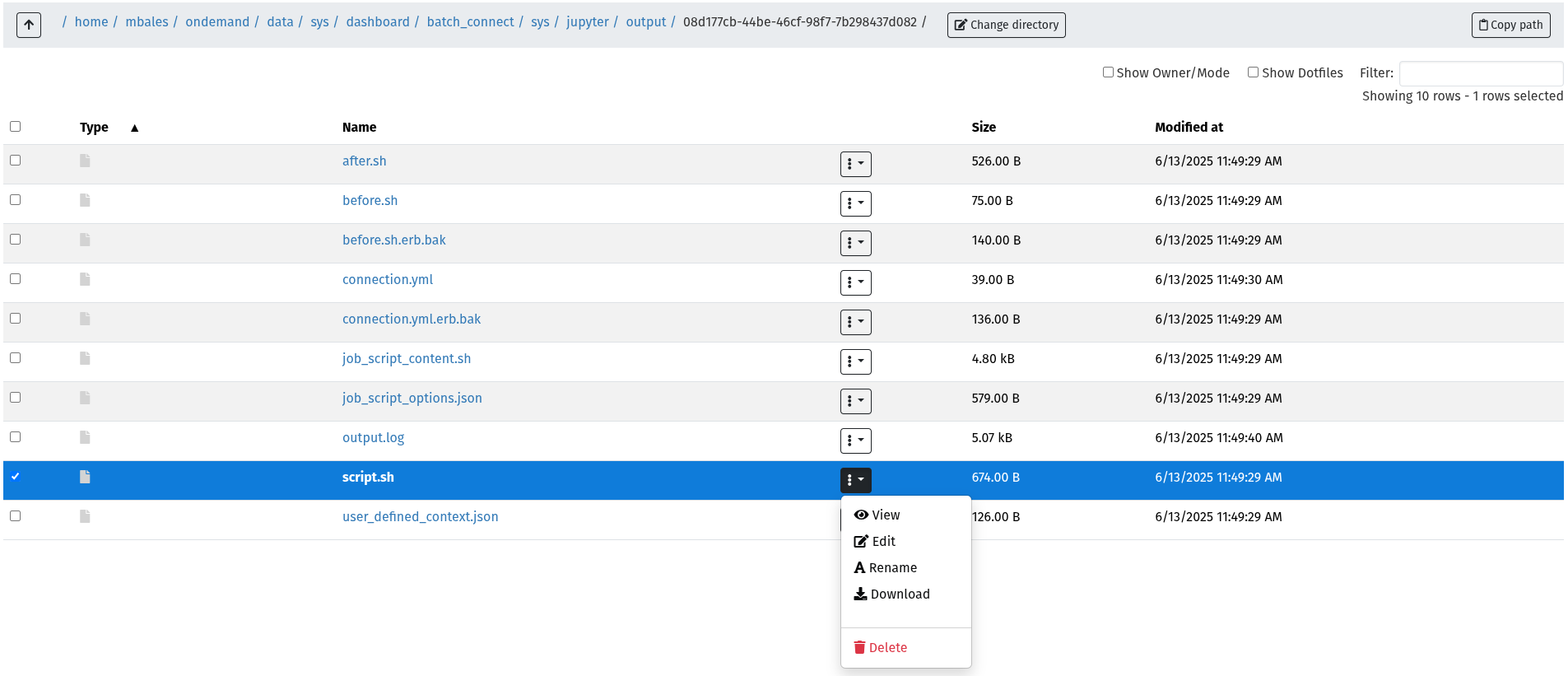
Download the script.sh and output.log and submit them in a ticket.
Phusion Passenger Errors
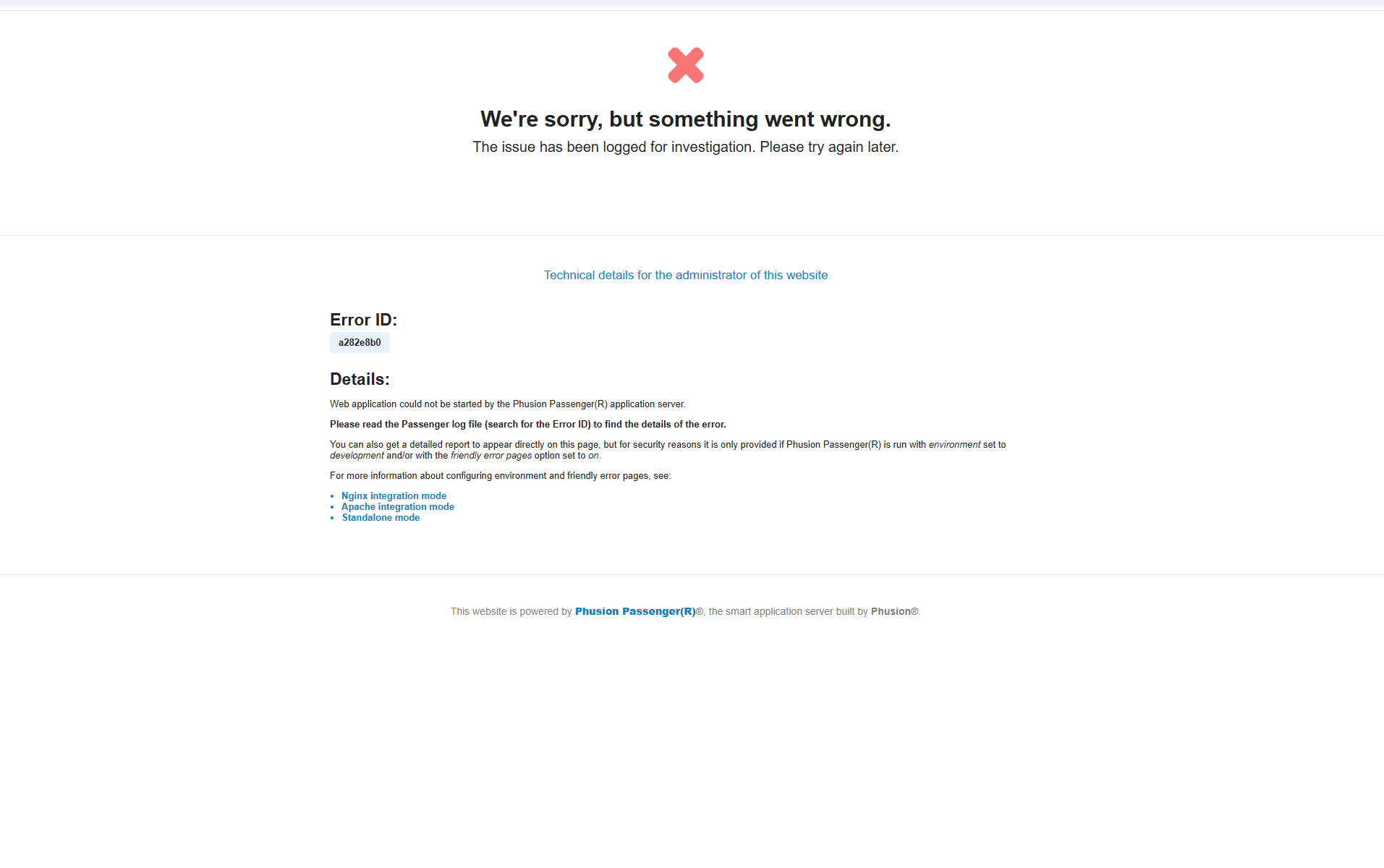
If you receive an error message like the following on login, please check and make sure you have free disk space in your home folder.