
Rainbow/HP Color LaserJet Pro MFP 4301
Scan to email config
- log into the web UI via ip
- On the left panel go to General>Email Servers
- Click on the plus " + " icon to add a new email server
- Configure entries like the following:
-
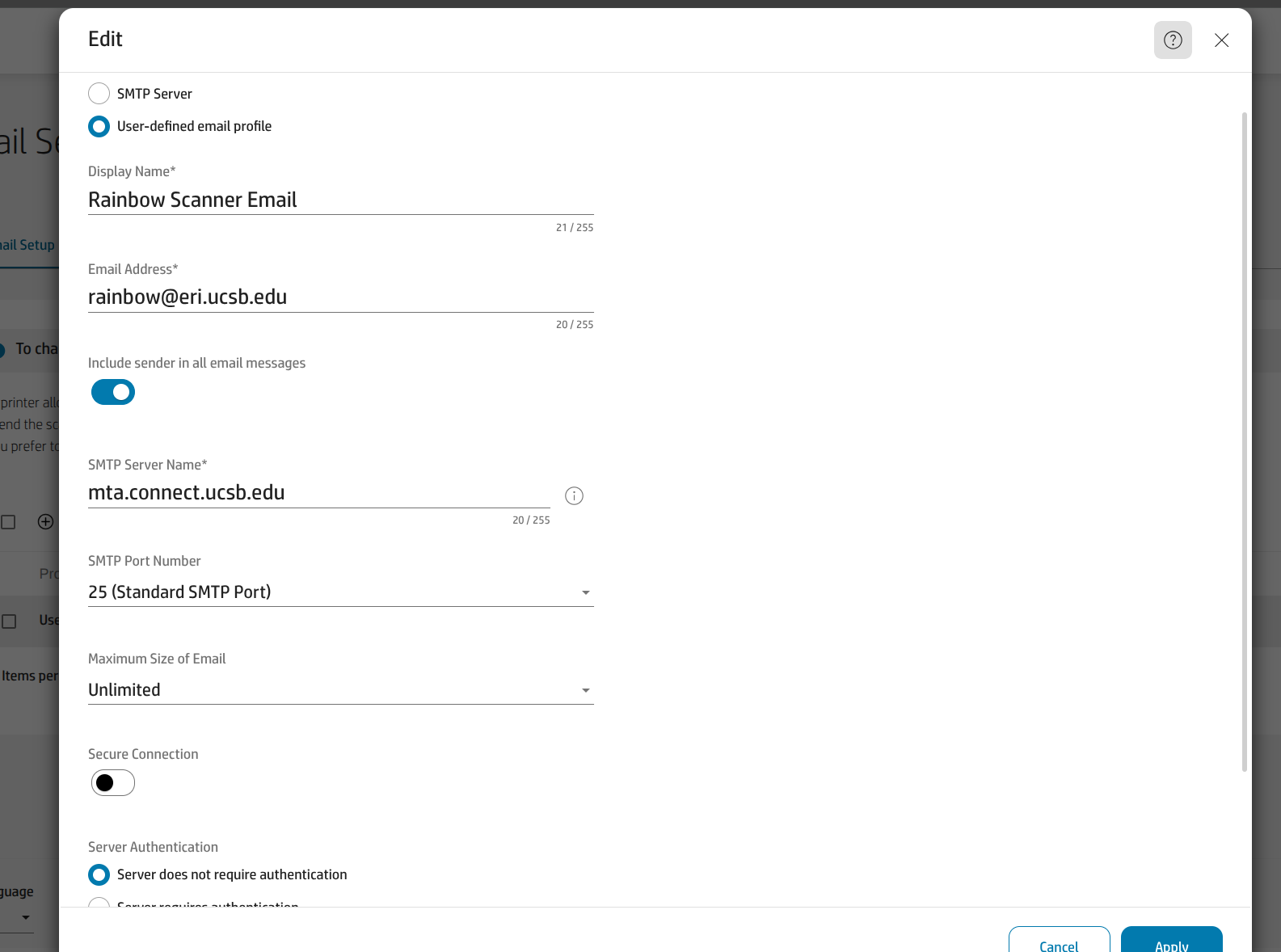
- Note: the email address entry does not need to be an actual email/alias for this to work
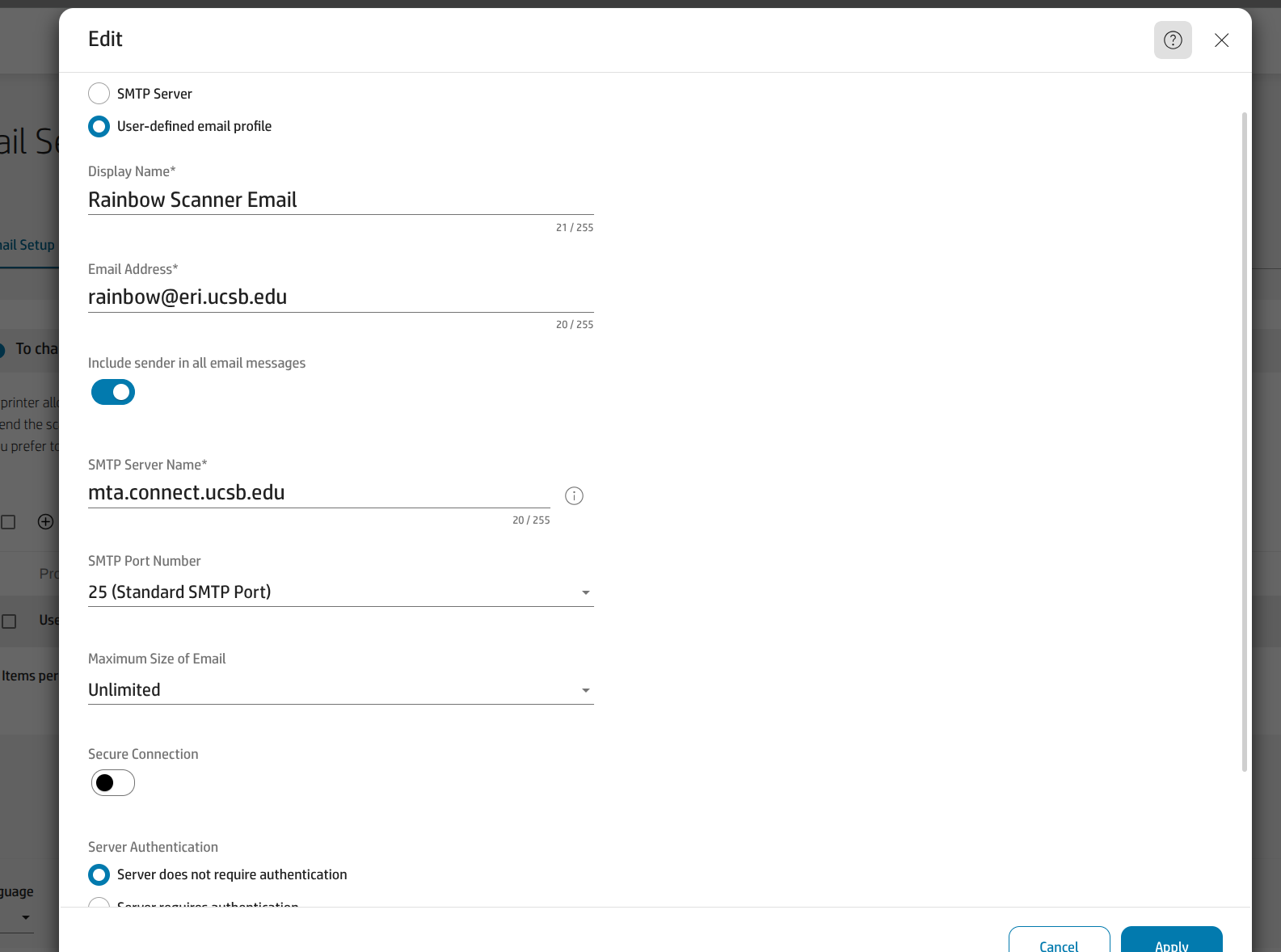
Useful info:
- https://www.connect.ucsb.edu/messaging-collaboration-services/mta-devices#:~:text=SMTP%20server%20address:%20mta.connect,SSL/TLS:%20No
- the printer at MSI is configured in a similar way bldg-clr-printer-1308.msi.ucsb.edu
- In case there's an error when testing scan to email config, make sure the dns entries on the printer are pointing to 128.111.104.2 and 128.111.104.4