VS Code
Supported VS Code Options
We offer VS Code via the HPC Desktop application as well as the HPC VS Code Server application. Both of these options support installing extensions and persist settings and extensions across sessions.
Unsupported VS Code Options
We do not support the VS Code Remote - SSH extension to the HPC cluster. The remote SSH extension is not supported due to a number of known issues with remote linux servers documented here: https://code.visualstudio.com/docs/remote/ssh#_known-limitations
GRIT LLM and VS Code
- Start a VS Code session either locally or on the GRIT HPC
- log in to llm.grit.ucsb.edu
- In llm.grit.ucsb.edu select the user icon in the top right and then select Settings

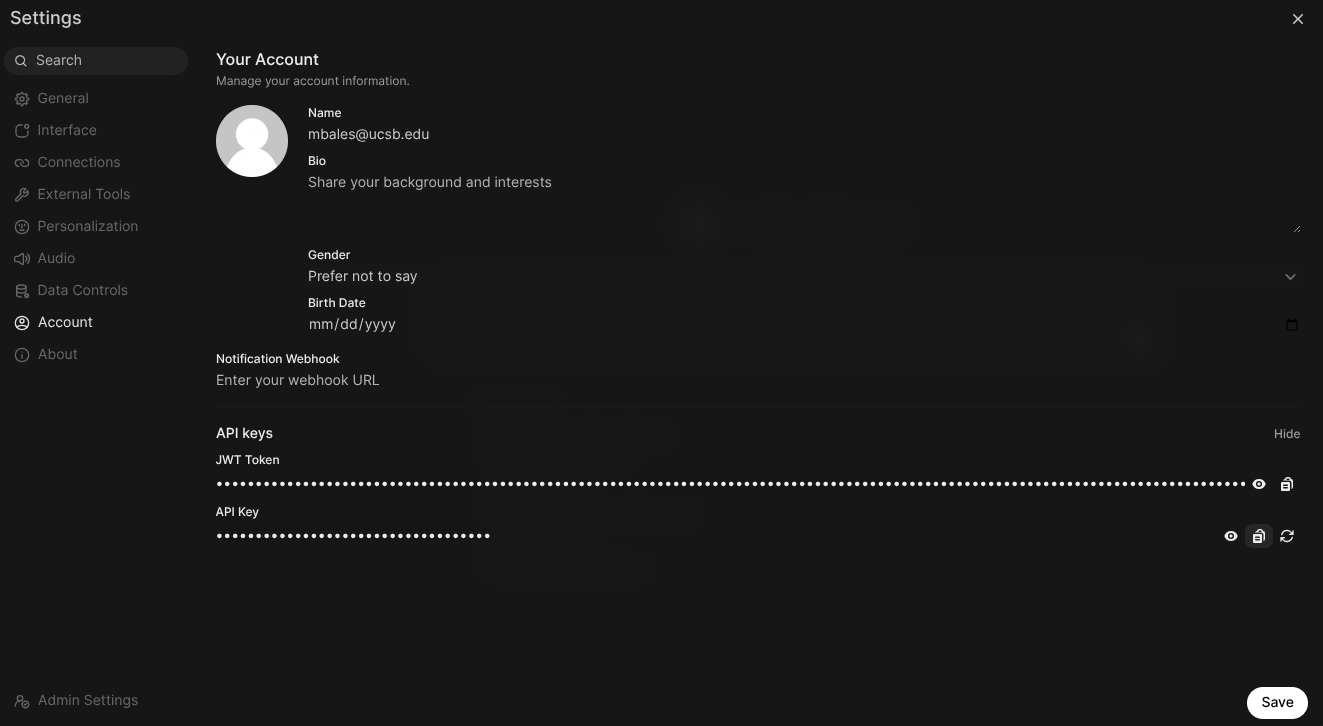
- In the settings window select Account
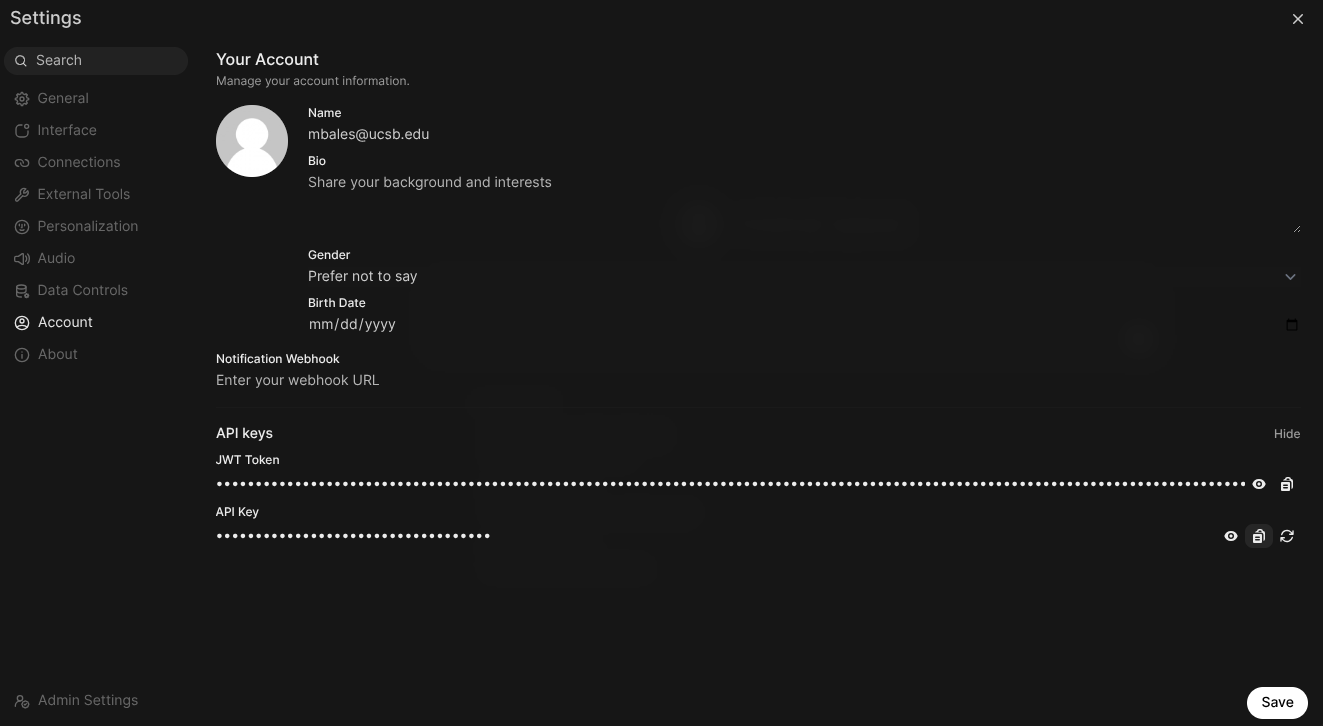
- click show to the right of API keys
- copy the API Key (should start with sk-)
- Open your VS Code window and select the extensions icon on the right
- search the extension store for the Cline extension created by saoudrizwan
- After installation select the cline icon on the right menu bar and enter the follwoing
- API Provider: OpenAPI compatible
- Base URL:
https://llm.grit.ucsb.edu/api/v1 - Enter yourllm.grit.ucsb.edu API key retrieved in the previous steps
- Select an LLM model, the list can be found in the llm.grit.ucsb.edu model menu in the top left of the page. Currently the following models are available:
- deepseek-r1:latest
- gemma3:latest
- gpt-oss:20b
- llama3:latest
- llama3.1:8b
- llava:1b
- mistral:latest
- phi4:latest
- qwen3-coder:latest
- qwuen3:latest